Building a Voice-to-Text App That Learns Your Style (Without Storing Your Words)
Privacy-first style learning with TiDB vector search
The Goal
I talk fast. I'm also on a dozen platforms throughout the day from Gmail, Slack, Twitter, to Notion and the list keeps going. Voice-to-text tools have been around forever, but they all had the same problem: they made everything sound the same.
A Slack message shouldn't read like an email. A tweet shouldn't sound like a JIRA ticket. But every transcription tool I tried would spit out the same robotic output regardless of where I was typing.
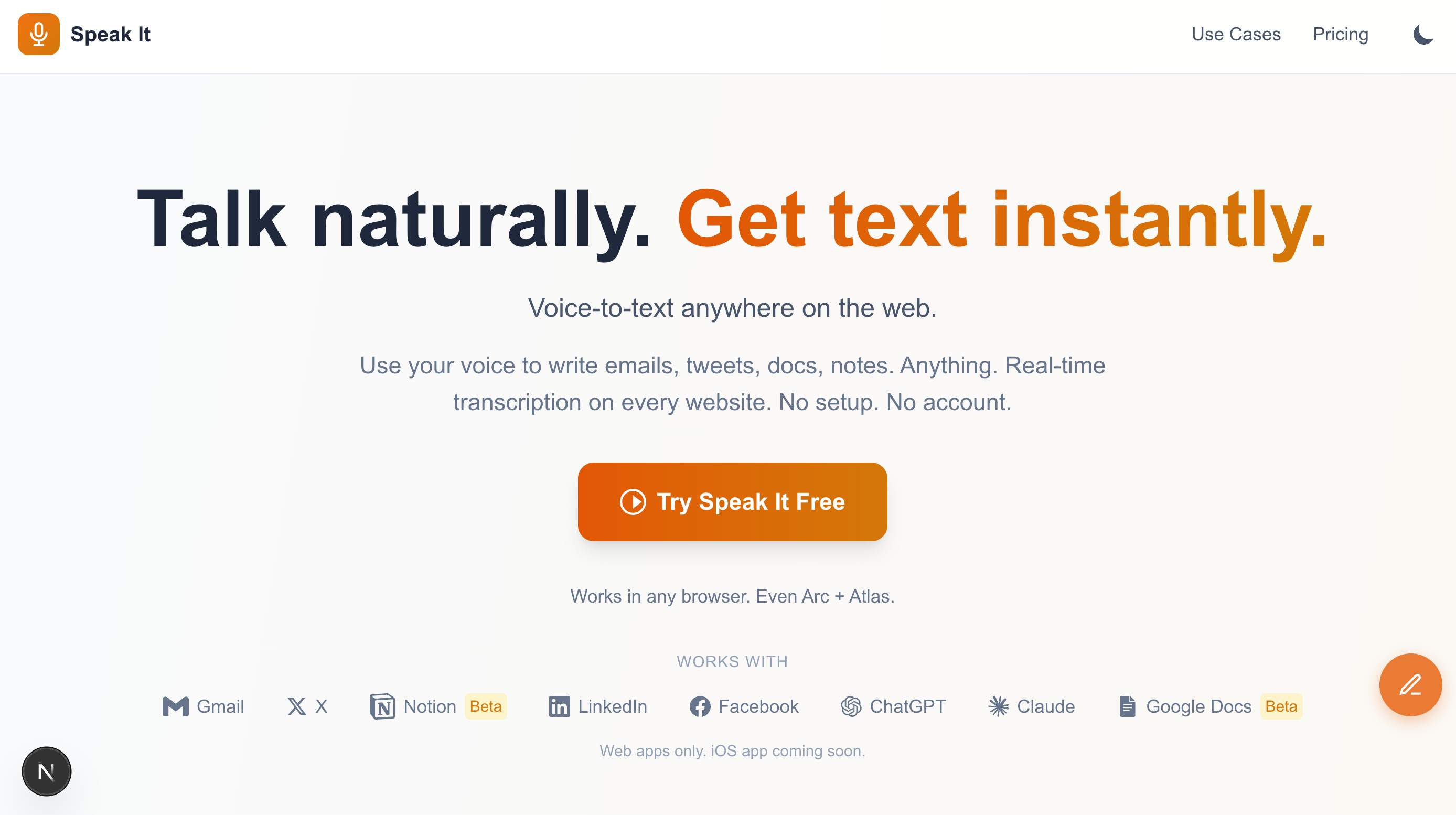
So I built Speak It. Speak It is a Chrome extension that transcribes your voice anywhere on the web and formats it for the platform you're on. But here's the part I'm most proud of: it learns your writing style over time without ever storing your actual messages.
Most style-learning tools keep a history of everything you've written. That's fine for personal use, but it's a non-starter for enterprise. Legal teams, compliance officers, privacy-conscious users... none of them want a third-party service storing their internal communications.
The question I set out to answer: can you teach an AI how someone writes by storing statistics only? Like only focus on storing their average sentence length, formality level, and even common phrases to get a fingerprint of your style without the content itself.
Turns out you can.
Wanted to follow up on the proposal. Let me know if you have any questions or if there's anything else you need from me.
Thanks
The Stack
Here's what I used and why:
Chrome Extension - The app needs to work on any website, not just one platform. A browser extension was the only way to inject a mic button into Gmail, Slack, Notion, Twitter, and everywhere else.
Web Speech API + Deepgram - Chrome and Edge support the Web Speech API for free. For browsers that don't (Arc, Safari, Firefox), I fall back to Deepgram's streaming API. This keeps costs low for most users while maintaining broad compatibility.
TiDB Cloud Starter - I didn't want to run two databases (one for normal data and one for vectors). TiDB can handle both vectors and business data all in one database. It's also MySQL-compatible, which means I could stick to what I already know. And it scales to zero when idle so I'm not paying for unused capacity.
Claude Sonnet 4 - I use Claude Sonnet 4 as the formatting engine. It takes raw transcripts and reformats them based on context and style instructions. Sonnet follows constraints well without over-editing (which is extremely important in this context).
OpenAI Embeddings - For embeddings, I use text-embedding-3-small with OpenAI. It generates vector representations of writing style samples. These power the similarity matching for style clustering.
The Architecture
Here's how data flows through the system:
The key architectural decision was storing stats, not content. Here's what goes into a style profile:
| Field | Type | Example |
|---|---|---|
| avg_sentence_length | float | 14.2 |
| formality_score | float (0-1) | 0.35 |
| uses_contractions | boolean | true |
| greetings | JSON array | ["Hey", "Hi there"] |
| signoffs | JSON array | ["Thanks", "Cheers"] |
| top_phrases | JSON array | ["sounds good", "let me know"] |
None of this is the actual message. It's a fingerprint of how you write, not what you write.
Enterprise customers won't touch a tool that stores their internal communications. This constraint shaped every design decision.
The Implementation
Context Detection
Different platforms have different norms. LinkedIn tends to be much more formal compared to X. A Slack message shouldn't read like an email. So the first thing I did was figure out where the user would be typing.
The extension matches the current URL against known patterns, then looks for platform-specific DOM selectors to find the active text field:
const CONTEXT_PATTERNS = {
  email: {
    urls: [/mail\.google\.com/, /outlook\.live\.com/, /outlook\.office\.com/],
    selectors: [
      '[aria-label="Message Body"]',
      '[role="textbox"][aria-multiline="true"]',
      'div[contenteditable="true"][g_editable="true"]',
    ],
  },
  slack: {
    urls: [/\.slack\.com/],
    selectors: [
      '[data-qa="message_input"]',
      '.ql-editor',
      '[contenteditable="true"][data-message-input]',
    ],
  },
  twitter: {
    urls: [/twitter\.com/, /x\.com/],
    selectors: [
      '[data-testid="tweetTextarea_0"]',
      '[role="textbox"][data-testid]',
    ],
  },
  // ... 20+ contexts total
};
This detection runs before any formatting happens. The detected context determines both how Claude formats the text and what platform-specific instructions it receives.
X (formerly Twitter) formatting keeps things brief and removes formal greetings. Email formatting preserves sign-offs and adds paragraph breaks. Slack sits somewhere in between.
Just finished the new feature. It's ready for review whenever you get a chance.
Thanks
Style Profile Schema
The style profile lives in TiDB. Here's the table structure:
CREATE TABLE user_style_profiles (
  user_id VARCHAR(255) PRIMARY KEY,
  avg_sentence_length FLOAT DEFAULT 12,
  formality_score FLOAT DEFAULT 0.5,
  uses_contractions BOOLEAN DEFAULT TRUE,
  top_phrases JSON,
  greetings JSON,
  signoffs JSON,
  created_at TIMESTAMP DEFAULT CURRENT_TIMESTAMP,
  updated_at TIMESTAMP DEFAULT CURRENT_TIMESTAMP ON UPDATE CURRENT_TIMESTAMP
);
Notice there's no message_content column. We're storing how you write, not what you write.
The formality_score ranges from 0 (very casual) to 1 (very formal). This gets calculated from signals like sentence length, punctuation patterns, and word choice. Someone who writes "Hey! Quick question, can u send that over?" scores lower than someone who writes "Good afternoon. I wanted to follow up regarding the materials."
Fetching a profile is a simple query:
async function getUserStyleProfile(userId: string): Promise {
  const [rows] = await connection.execute(
    `SELECT avg_sentence_length, formality_score, uses_contractions,
            top_phrases, greetings, signoffs
     FROM user_style_profiles WHERE user_id = ?`,
    [userId]
  );

  if (rows.length === 0) return null;

  const row = rows[0];
  return {
    avg_sentence_length: row.avg_sentence_length || 12,
    formality_score: row.formality_score || 0.5,
    uses_contractions: row.uses_contractions !== false,
    top_phrases: row.top_phrases ? JSON.parse(row.top_phrases) : [],
    greetings: row.greetings ? JSON.parse(row.greetings) : ["Hey"],
    signoffs: row.signoffs ? JSON.parse(row.signoffs) : ["Thanks"],
  };
}
New users get sensible defaults. The profile evolves as they accept or reject formatting suggestions.
The Formatting Prompt
The style profile turns into prompt instructions. Claude doesn't see historical messages, it sees constraints.
function buildStylePrompt(profile: StyleProfile | null, context: string): string {
  if (!profile) {
    return `Format this transcript for ${context}. Keep it natural and conversational.`;
  }

  const formality = profile.formality_score > 0.7 ? "formal" :
                    profile.formality_score < 0.3 ? "casual" : "balanced";

  const contractionNote = profile.uses_contractions
    ? "Use contractions naturally (don't, won't, can't)."
    : "Minimize contractions for a more formal tone.";

  const greetingNote = profile.greetings.length > 0
    ? `Preferred greetings: ${profile.greetings.slice(0, 3).join(", ")}`
    : "";

  const signoffNote = profile.signoffs.length > 0
    ? `Preferred sign-offs: ${profile.signoffs.slice(0, 3).join(", ")}`
    : "";

  return `Format this transcript for ${context}.

User's writing style:
- Tone: ${formality}
- Average sentence length: ~${Math.round(profile.avg_sentence_length)} words
- ${contractionNote}
${greetingNote ? `- ${greetingNote}` : ""}
${signoffNote ? `- ${signoffNote}` : ""}

Rules:
1. ONLY add punctuation and paragraph breaks
2. Remove filler words: um, uh, like, basically, you know
3. Keep EVERY other word exactly as they said it
4. Do NOT rewrite, rephrase, or "clean up" their language`;
}
The rules at the bottom are critical. Without them, Claude will "improve" the user's words. But people don't want their voice replaced, they just want it cleaned up. There's a difference.
Would it be possible to reschedule our meeting to tomorrow? Something has come up.
Thank you
Each context also gets platform-specific instructions:
function getContextInstructions(context: string): string {
  switch (context) {
    case "email":
      return `Email format:
- Add punctuation and paragraph breaks
- Keep their exact words
- Add sign-off if missing`;

    case "slack":
      return `Slack format:
- Keep it brief and casual
- No formal greetings needed
- Okay to use shorter sentences`;

    case "twitter":
      return `Twitter/X format:
- Add punctuation only
- Keep their exact words
- If over 280 characters, don't trim`;

    // ... more contexts
  }
}
The combination of style profile and context instructions gives Claude enough guidance to format appropriately without overstepping.
The Learning Loop
Here's the part I'm still iterating on.
When a user accepts or rejects a format suggestion, I want to update their profile. The naive approach was to just overwrite the stats with the new sample.
But that was wrong.
If someone has been using the app for months and their profile reflects hundreds of accepted formats, a single new sample shouldn't dramatically shift their stats. New samples need to have less influence as the profile matures.
The solution is weighted averaging. Each new sample contributes a fraction to the running average, with that fraction decreasing over time:
function updateStyleProfile(
  existingProfile: StyleProfile,
  newStats: TextStats,
  sampleCount: number
): StyleProfile {
  // Weight decreases as sample count increases
  // First sample: 100% weight. 100th sample: ~1% weight.
  const weight = 1 / (sampleCount + 1);

  return {
    avg_sentence_length:
      existingProfile.avg_sentence_length * (1 - weight) +
      newStats.avg_sentence_length * weight,
    formality_score:
      existingProfile.formality_score * (1 - weight) +
      calculateFormality(newStats) * weight,
    // ... other fields
  };
}
For phrases, greetings, and signoffs, I track frequency counts rather than just presence. A greeting you use once shouldn't rank the same as one you use constantly.
I'm also generating embeddings for each accepted format:
const embeddingResponse = await openai.embeddings.create({
  model: "text-embedding-3-small",
  input: `Sentence length: ${stats.avg_sentence_length}. ` +
         `Formality: ${stats.formality_score}. ` +
         `Context: ${context}. ` +
         `Contractions: ${stats.uses_contractions}`,
});
const styleEmbedding = embeddingResponse.data[0].embedding;
The idea here is to cluster similar writing styles together. Users who write like you might have formatting preferences you'd also like. But I'll be honest: this piece isn't fully wired up yet. I'm generating the embeddings but not querying them for recommendations.
That's the next iteration.
The Result
What works today:
- Voice-to-text on 20+ platforms (Gmail, Slack, Notion, Twitter, LinkedIn, GitHub, and more)
- Automatic context detection: no manual switching
- Style profiles that influence formatting output
- Privacy-first design: statistics only, no content stored
What's next:
- Vector similarity for style clustering ("users who write like you prefer...")
- Refined feedback loop for profile updates
- Multi-language support beyond English
- Browser support expansion (Firefox add-on)
Try It Yourself
If you want to build something similar, TiDB Cloud's Starter gives you enough runway to experiment. The combination of relational tables (for user profiles) and vector search (for style similarity) in one database simplified my architecture significantly.
The main insight from building this: personalization doesn't require surveillance. You can learn patterns without learning secrets. Statistical fingerprints give you enough signal to customize behavior while keeping actual content out of your database entirely.
For enterprise use cases where privacy is non-negotiable, this approach opens doors that content-based learning keeps closed.
